 Robot Ready
Join the waitlist
Robot Ready
Join the waitlist
Robot Ready
Join the waitlist
Robot Ready
Join the waitlist
Coming soon to iPhone · Early testers wanted
Home humanoid robots are on their way. Robot Ready scans your home with your iPhone and gives it a Clearance Score™: where a robot can go, where it gets stuck, and exactly what to fix.
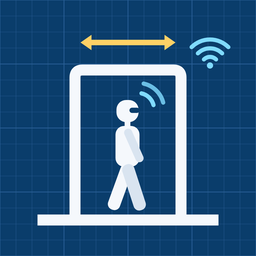
Walk your home room by room. Your iPhone's LiDAR measures doorways, walkways, ceilings and furniture, and tests WiFi as you go.
Get a 0 to 100 Clearance Score for any home humanoid, or for a specific robot like 1X NEO, Figure or Tesla Optimus.
See the changes that raise your score most, plus floor plans of every level and a Clearance Score Report you can keep or share.
Every route wide enough for a robot to pass.
Low beams and soffits a tall robot has to clear.
How much room furniture leaves to move around.
Signal strength tested in every room.
Most robots find their way by camera.
Room to open the fridge, dishwasher, oven and washer.
Your power meter and panel, read by camera, for a robot charger.
Every step counted live as you scan.
Your Clearance Score
No account, no photos, no address. Your floor plans stay on your phone. Scans are shared only as anonymous measurements that help robot makers build for real homes.
Robot Ready needs the LiDAR sensor found in iPhone Pro and Pro Max models from the iPhone 12 Pro on. If you're not sure, join anyway and pick "Not sure."
Early testers on the waitlist get the app first through Apple's TestFlight. We'll email you an invite when it's ready.
Any home humanoid, using the most cautious specs across all tracked robots, plus 1X NEO, Figure 03, Tesla Optimus and Unitree G1 and H1. Scores update as makers publish new specs.
About two minutes per room, plus a few seconds standing still for each WiFi test.
No. Robot Ready shows how ready your home is before you buy one, and what to change first.